AI poster generator for titles, dates and venues that stay readable
A poster is a hierarchy problem: one title, one subtitle, a date, a venue and a ticket line, each in the right place. This page shows a real bilingual prompt, the output, the layout test and the cases where long copy still breaks.
7 / 7
bilingual fields correct in the event poster
6 / 6
bilingual fields correct in the exhibition card
4 / 4
text blocks in the requested poster corners
01 / Problem
Why poster copy breaks in generic models
A poster looks like one image, but it is a stack of exact strings: the title, a subtitle, the date, the venue, the door time and sometimes a second language. Generic image models are good at mood and composition; they are much less reliable at keeping a date attached to the right month or a venue spelled correctly.
MossImage is designed for text-first layouts. You quote the copy, keep each block on its own line, and describe where the blocks belong. A Draft is cheap enough to check the hierarchy before rendering 1K or 1.5K.
02 / Example
A bilingual event poster
The exact prompt and the actual benchmark output. The image is not cropped or retouched.
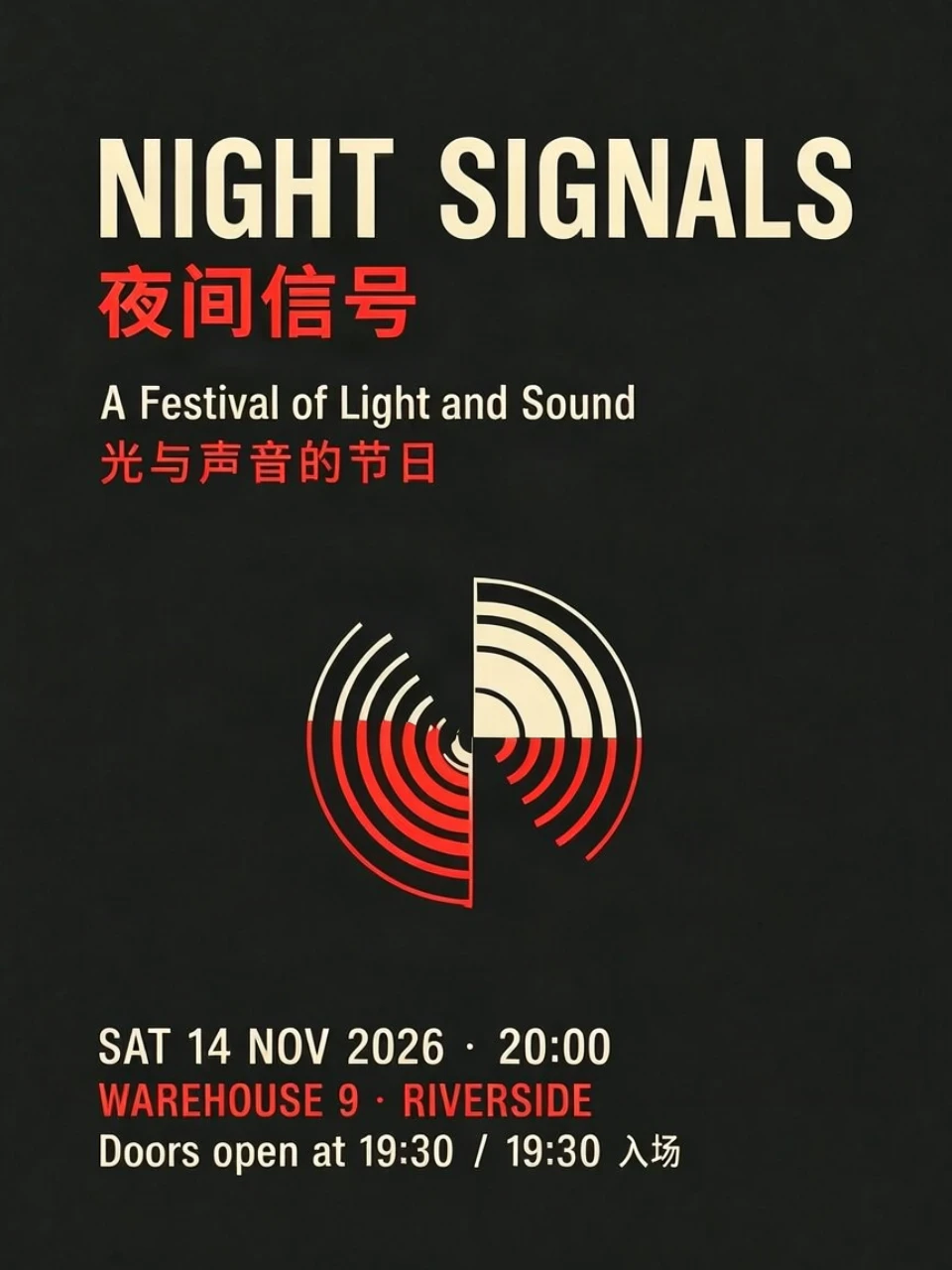
A flat, front-facing event poster on deep charcoal paper, printed in cream and vermilion ink. At the top, the title "NIGHT SIGNALS" in large condensed sans-serif, with "夜间信号" directly below in smaller Chinese type. Under it, the subtitle "A Festival of Light and Sound" and "光与声音的节日". At the bottom, three lines: "SAT 14 NOV 2026 · 20:00", "WAREHOUSE 9 · RIVERSIDE", "Doors open at 19:30 / 19:30 入场". Keep every line separate. No extra words. High contrast, straight-on, no perspective, no glow, no texture.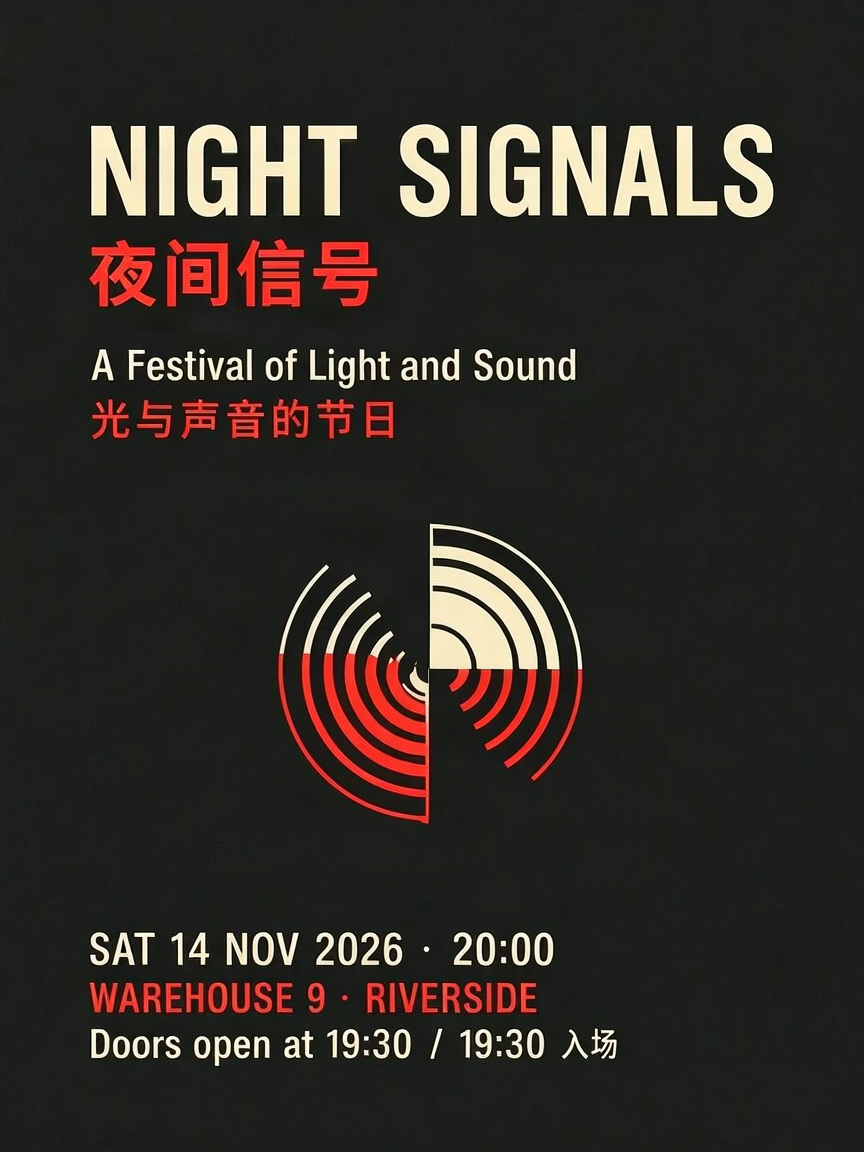
03 / Layout
Placing the title, date, venue and ticket line
The four-zone test puts the title top-center, the date top-right, the venue bottom-left and the ticket line bottom-right. All four landed where requested.
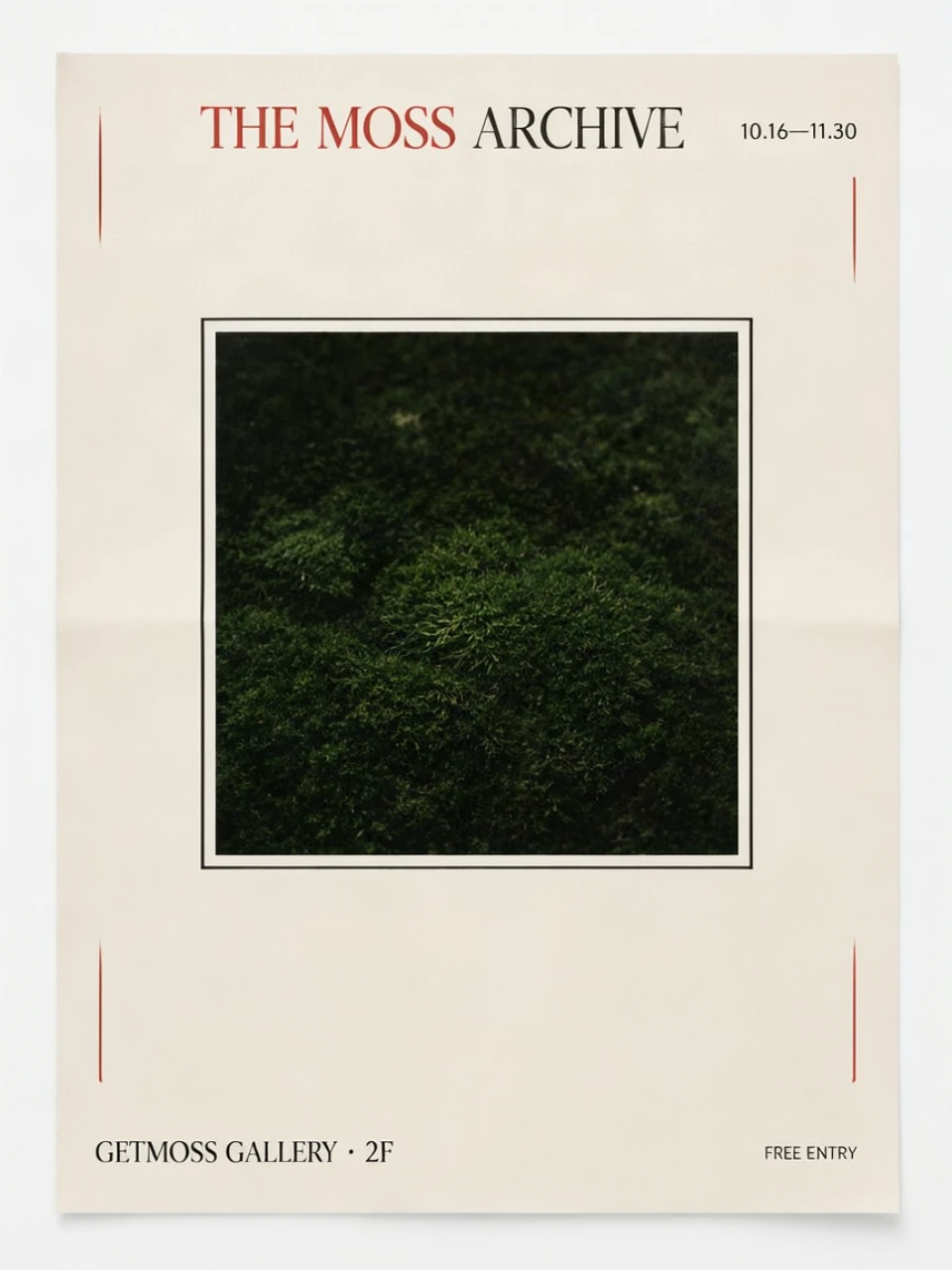
A vertical poster with a strict four-zone layout on cream paper with black and vermilion ink. Top center: the title "THE MOSS ARCHIVE" in large serif. Top right: "10.16—11.30" in small type. Bottom left: "GETMOSS GALLERY · 2F". Bottom right: "FREE ENTRY". Center: a single dark green moss photograph in a thin square frame. Keep the four text blocks in their named corners; do not move them. Flat, straight-on, high contrast, no extra words.04 / Evidence
Poster cases in the benchmark
| Case | Text fields | Layout | Verdict |
|---|---|---|---|
| Bilingual event poster | 7 / 7 | — | pass |
| Chinese long-form poster | 7 / 7 | — | pass |
| English editorial cover | 7 / 7 | — | pass |
| Bilingual exhibition card | 6 / 6 | — | pass |
| Four-zone poster layout | 4 / 4 | 4 / 4 | pass |
The Chinese long-form poster rendered its title, subtitle, dates, venue and three-line paragraph correctly. The English editorial cover wrapped long headlines across lines without dropping words. The failures in the wider benchmark come from dense paragraphs, not from short poster blocks.
05 / Cost
What a poster render costs
Plan price divided by credits. Annual plans are cheaper per credit; one-time packs never expire.
| Tier | Credits | Lite monthly | Pro monthly | Best for |
|---|---|---|---|---|
| Draft | 1 | $0.20 | $0.17 | Checking hierarchy and spelling |
| 1K | 3 | $0.60 | $0.50 | Web, social and client review |
| 1.5K | 7 | $1.40 | $1.17 | Print and exhibition graphics |
| 2K | 12 | $2.40 | $2.00 | The largest canvas |
Free accounts get two watermarked Drafts a day. Paid accounts render watermark-free. See pricing for the full per-render table.
06 / Limits
Where poster prompts still fail
Do not put a paragraph in the poster
Tiny type, low contrast, heavy texture, glow, perspective and decorative fonts all increase the error rate. Keep the blocks short, use a flat background, and check the date and venue against the source before delivery. A hand-written chalkboard menu passed, but that used large, clean lettering; a photo of real handwriting under glare is a different problem.
07 / Workflow
A poster workflow
1. Write each block as its own line: title, subtitle, date, venue, ticket line. Quote the exact strings.
2. Describe the hierarchy and placement: which block is largest, what goes at the top, what sits in a corner, and whether there is a central image.
3. Render a Draft and check every block. Fix the prompt before spending 1K or 1.5K credits.
4. Render 1K for web or 1.5K for print. Compare the final image with the source copy, then download the PNG.
FAQ
Poster questions
Can I generate an event poster from my own copy?
Yes. Quote the title, subtitle, date, venue and ticket line exactly, and keep each block on its own line. Tell the model which block goes at the top, bottom, left or right. Short blocks work far better than one paragraph.
Does it handle bilingual posters?
Yes. A bilingual event poster with English and Chinese title, subtitle, date, venue and door time rendered all seven fields correctly. A separate bilingual exhibition card rendered all six fields. Keep the two languages on separate lines or with a clear separator.
Can I place the title and date in specific corners?
Yes, through prompt instructions. In the four-zone layout test, the title, date, venue and ticket line landed in the requested corners with the image centered. The JSON bounding-box schema is documented for API and ComfyUI users; the hosted visual editor is temporarily off.
Which tier should I use for a poster?
Draft is for checking wording and hierarchy. 1K is the default for web and social. 1.5K is the safer choice for print and exhibition graphics. Draft is watermarked on free accounts; paid accounts render watermark-free.
What still fails?
Long paragraphs. In the benchmark, a dense artist statement lost its middle sentences at 512 px and almost all of its body text at 1024 px. Split long copy into short blocks, or render the paragraph separately and place it in a layout tool.
Can I use the poster commercially?
Paid plans and one-time packs include commercial use under the Terms. You are responsible for the rights to the copy, logos, people and brands depicted. Free-account renders are watermarked and intended for evaluation only.
More