MossImage: Free Online AI Image Generator with Exact Text Placement
Type a prompt, place the exact words where you want them, and get a print-ready image in seconds.
No credit card · English & Chinese text
Create an image
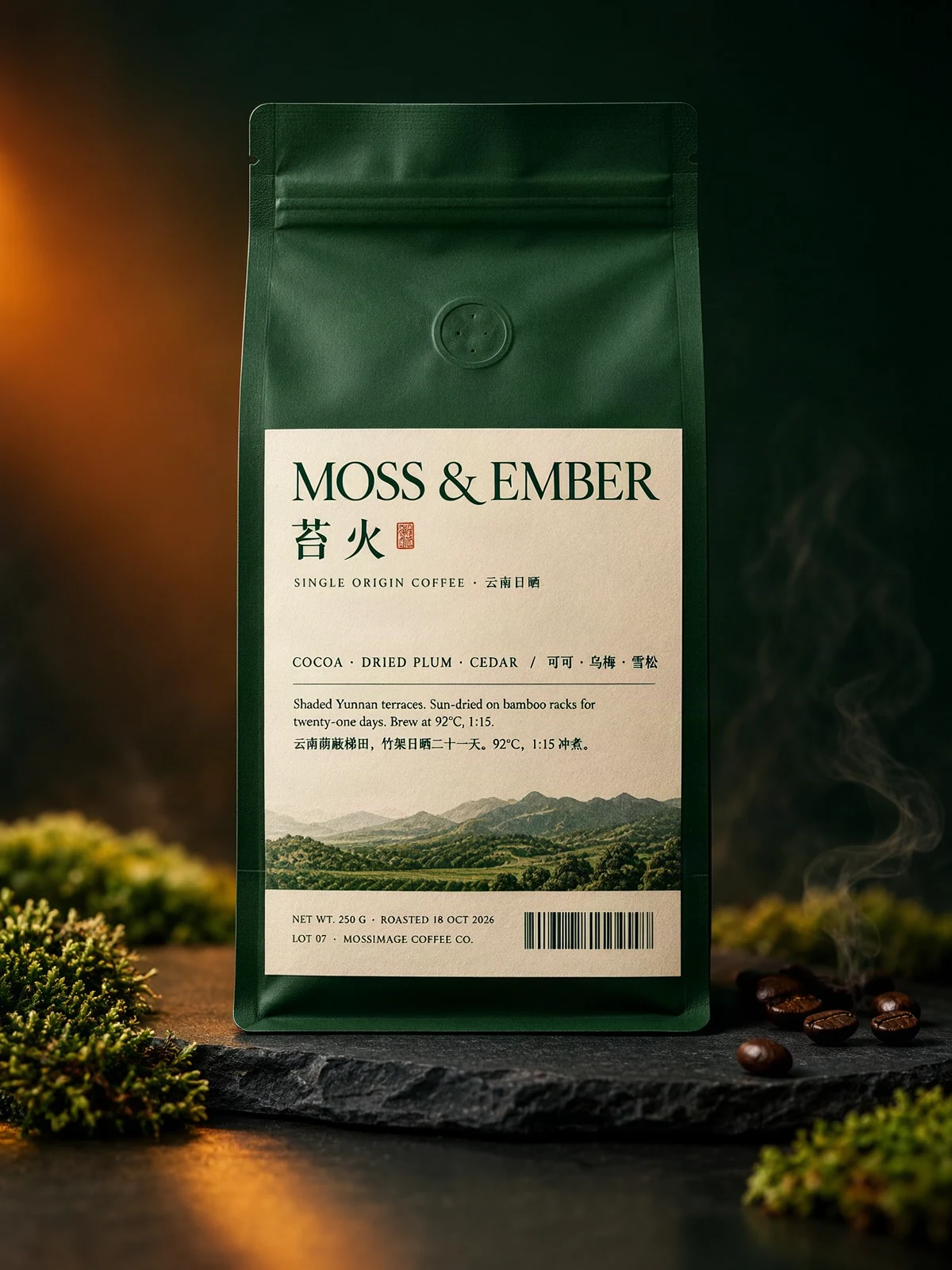 Sample output · Packaging
Your image will appear here
Pick a tier, set a ratio, and press Generate. Drafts render square at 512 px.
Runs MOSS-Image SFT. Weights are Apache-2.0.
Examples
What MossImage can make
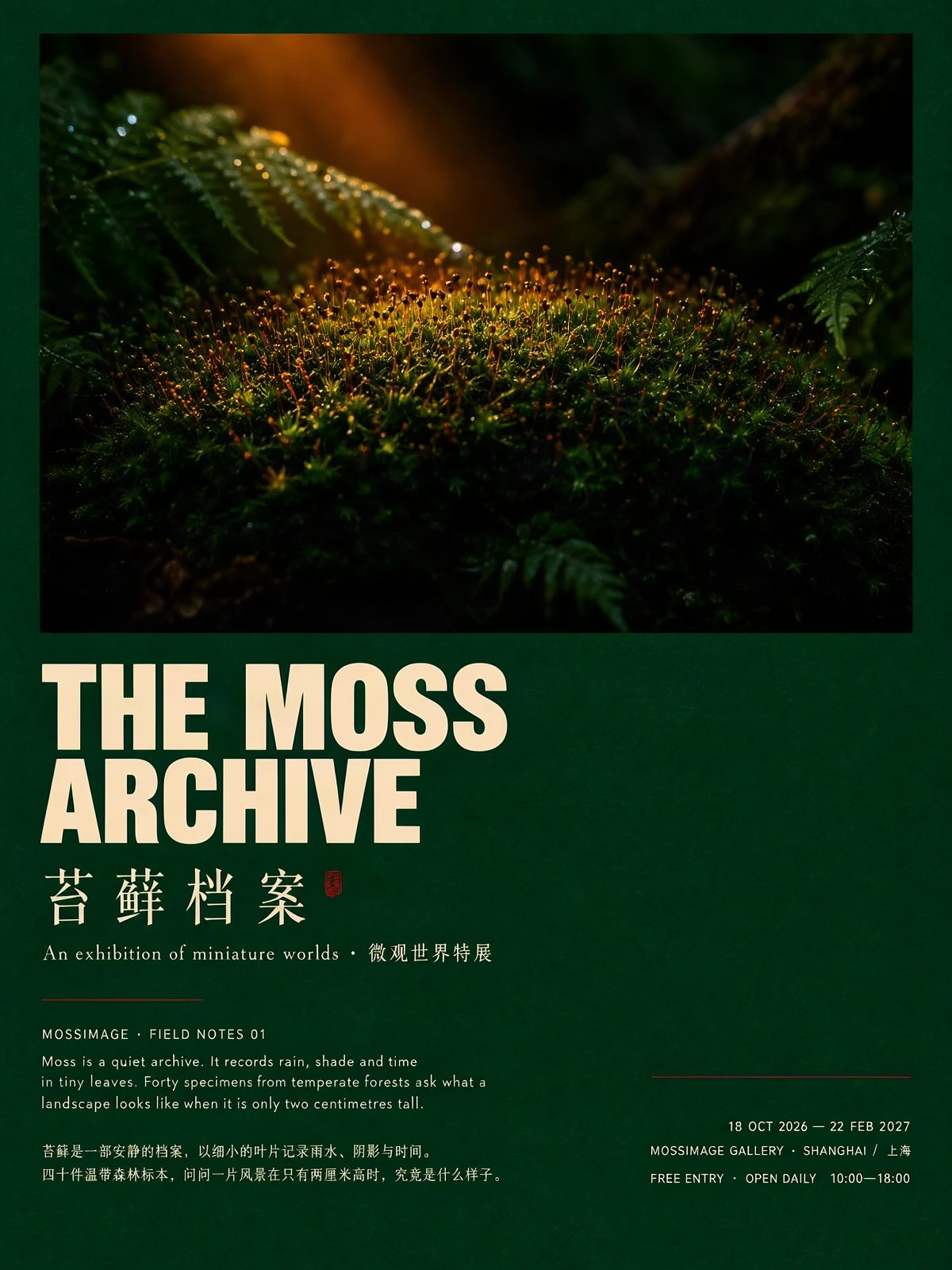
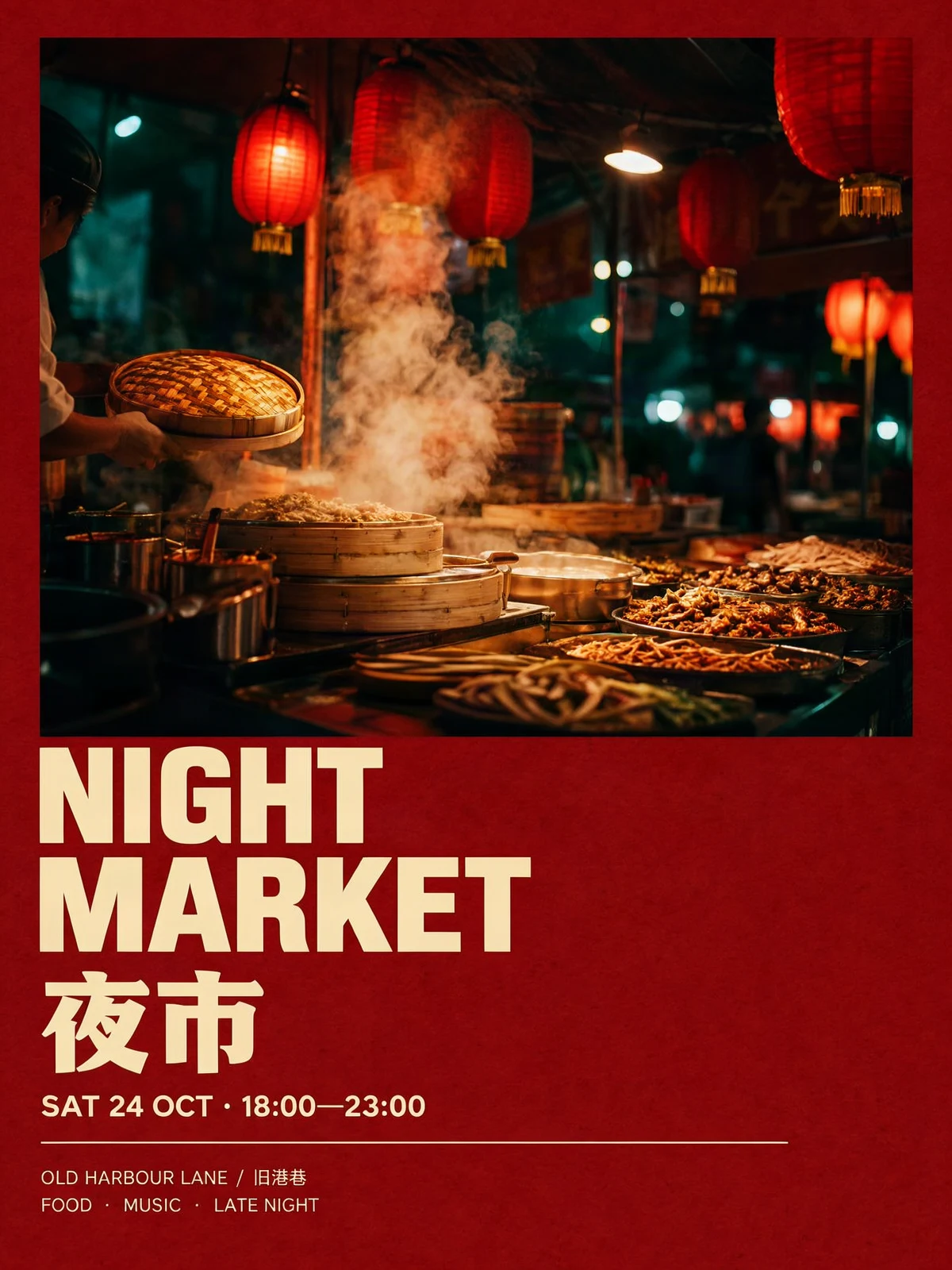
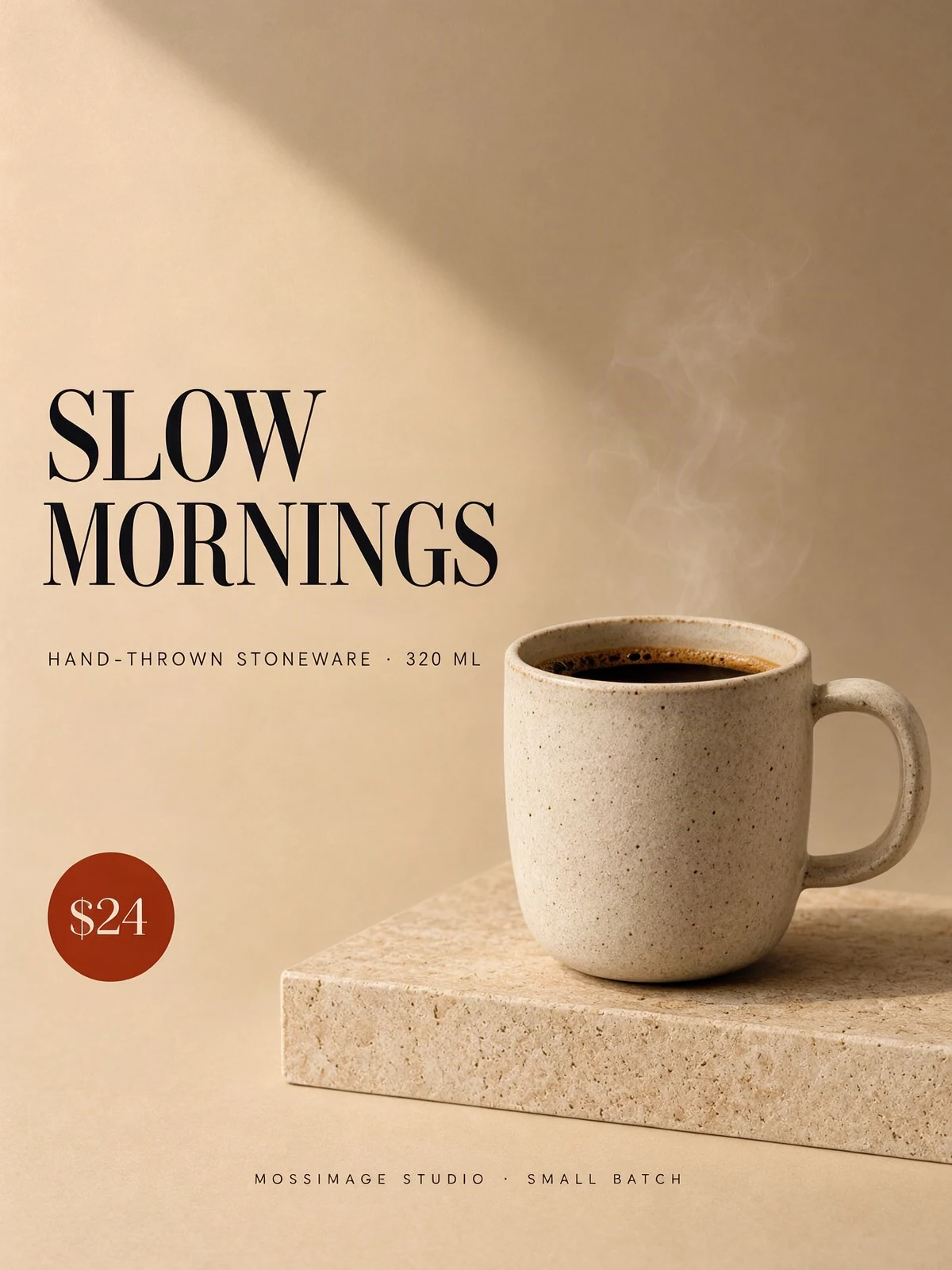
Eight recent MossImage renders, one per prompt in the showcase. Every prompt is copyable and ready to try.
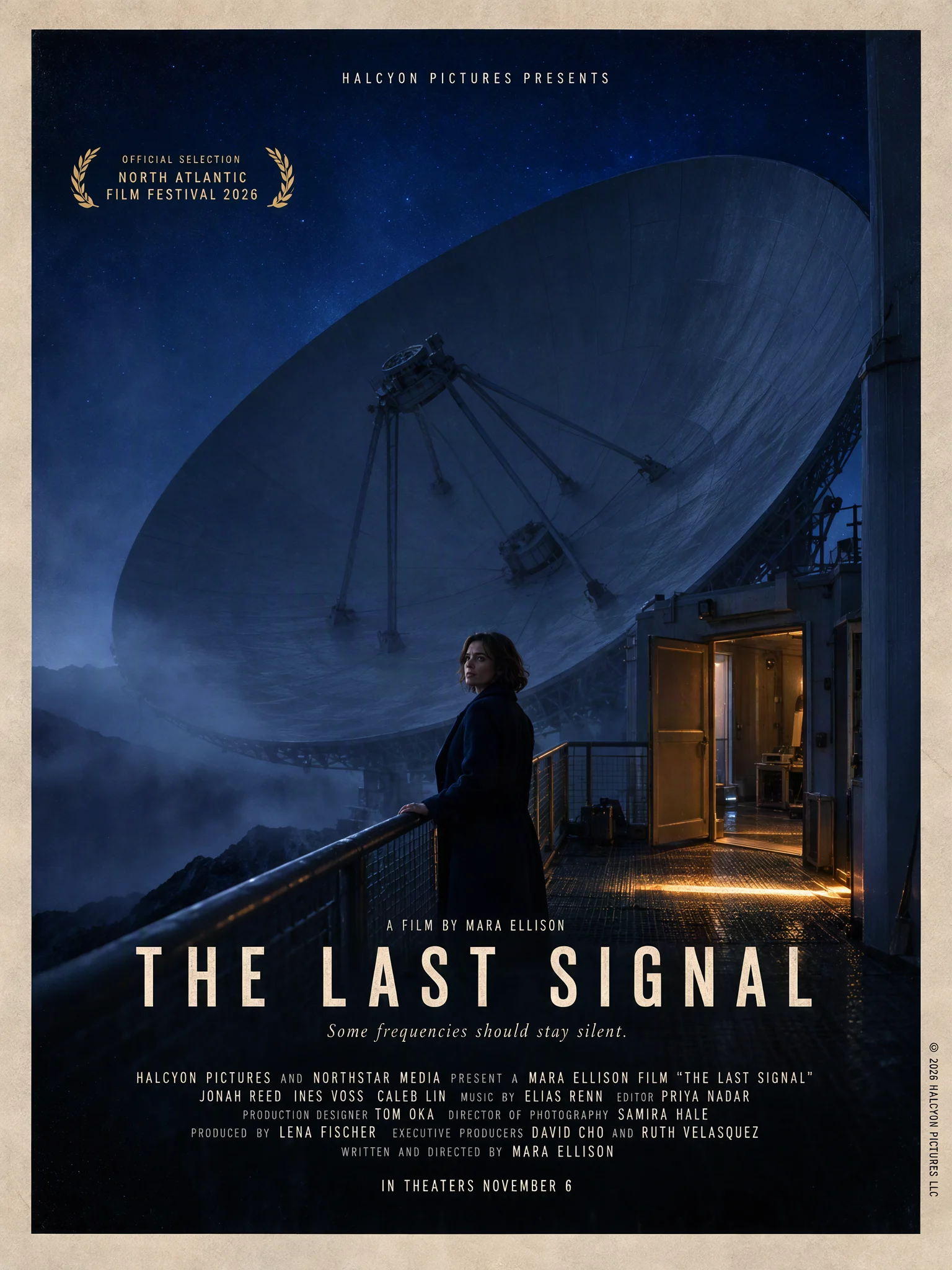 Film key art · English01
The Last Signal — film key art
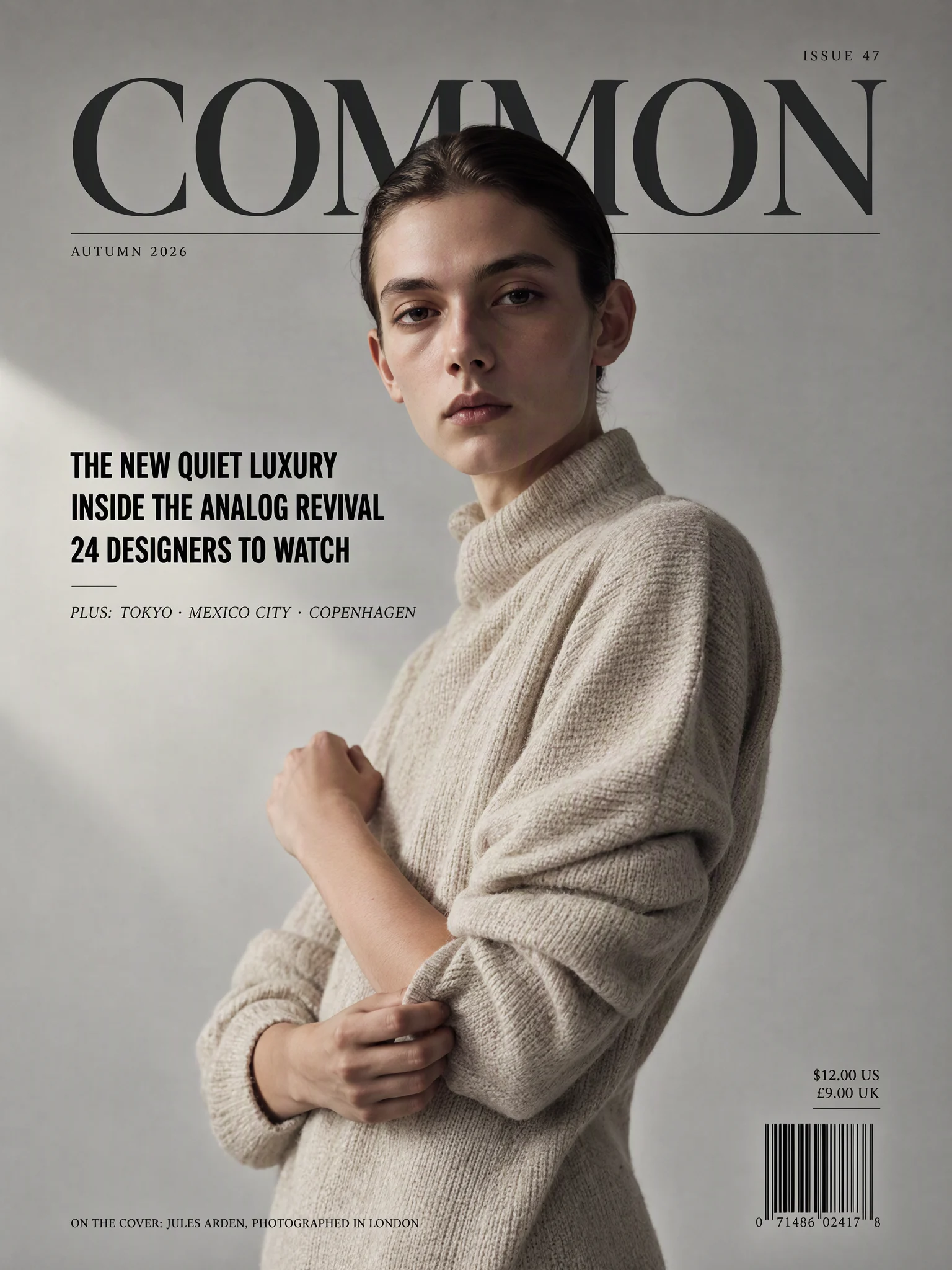 Magazine cover · English02
COMMON — magazine cover
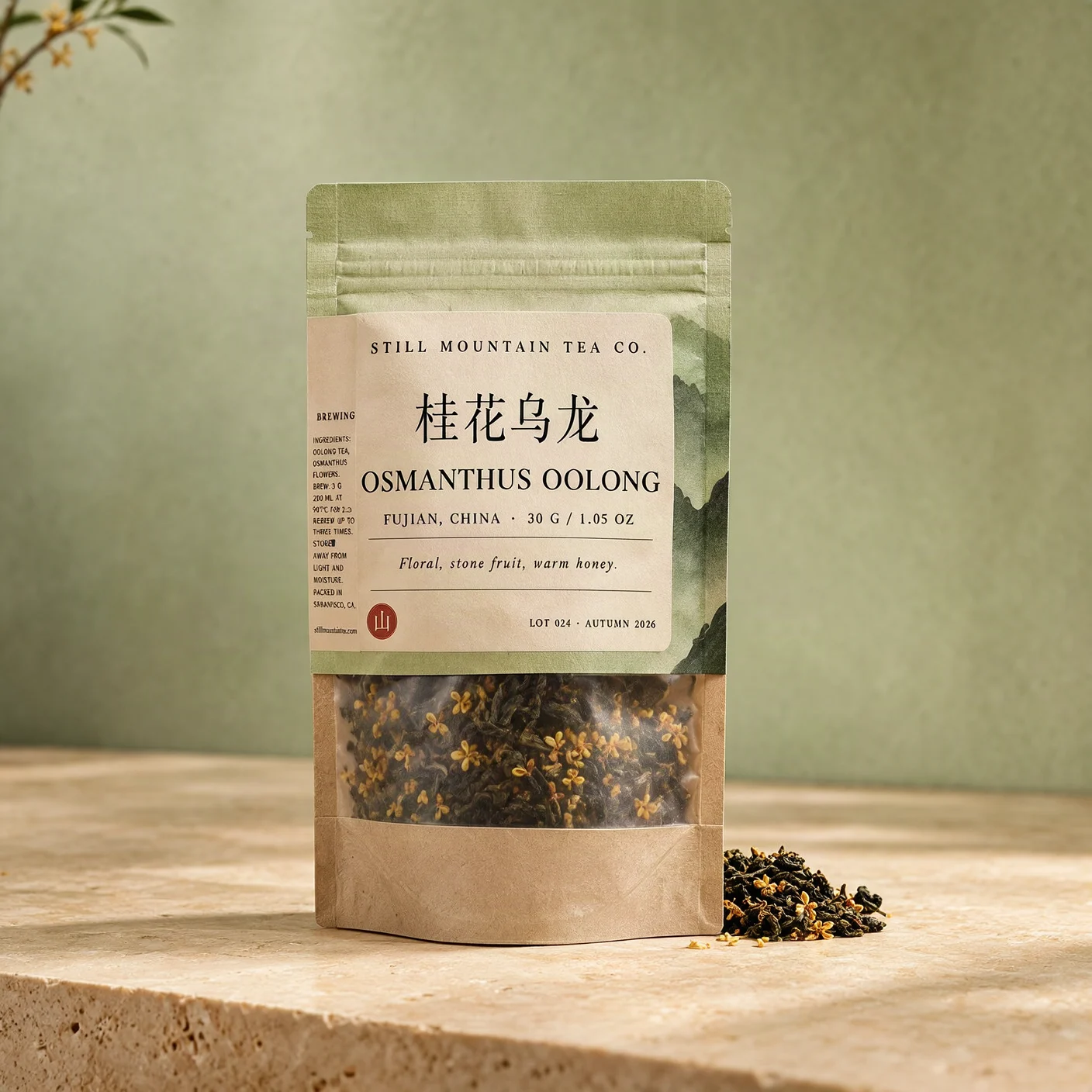 Packaging · Bilingual03
Still Mountain — bilingual tea pack
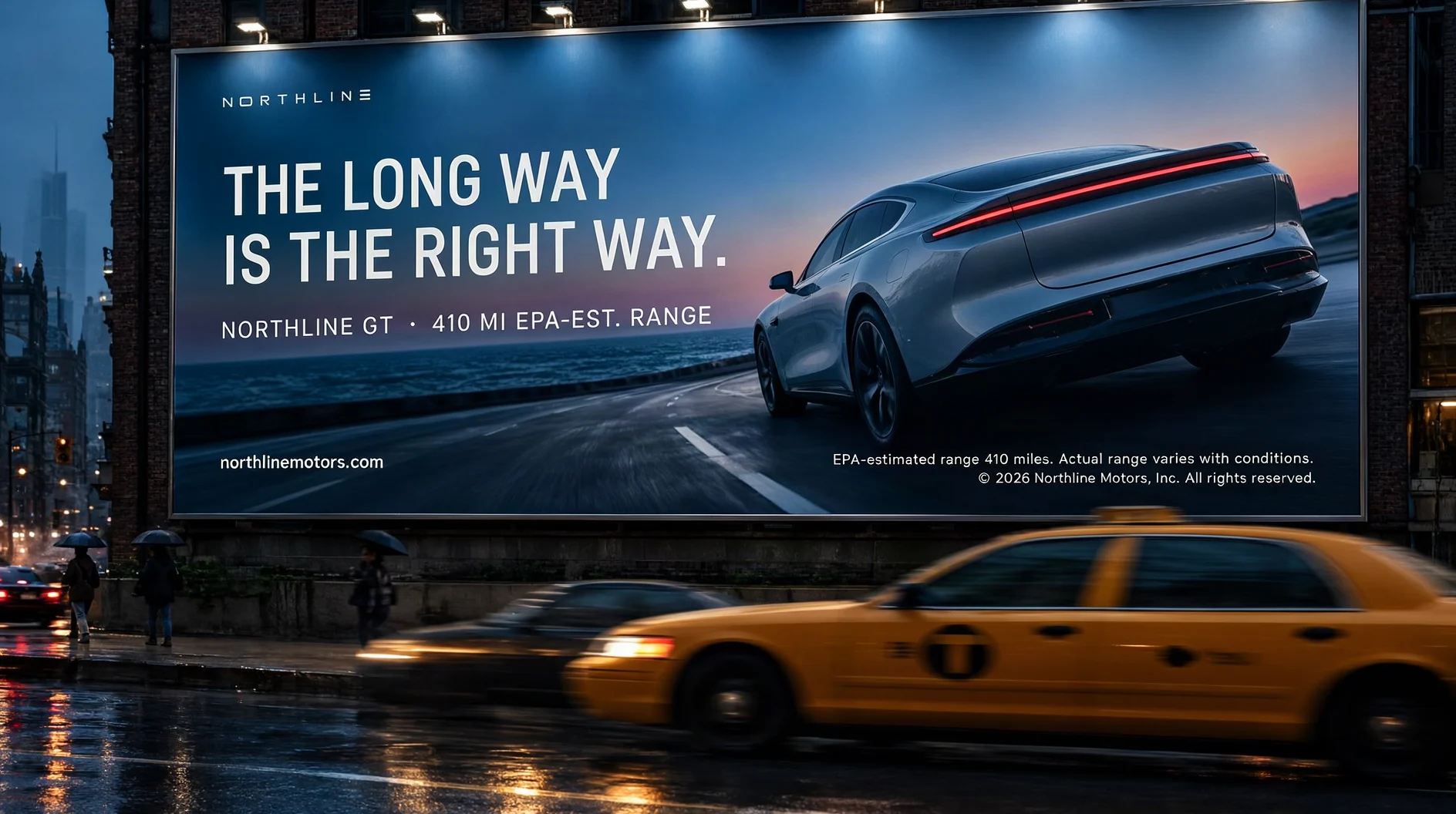 OOH · English04
Northline — rainy billboard
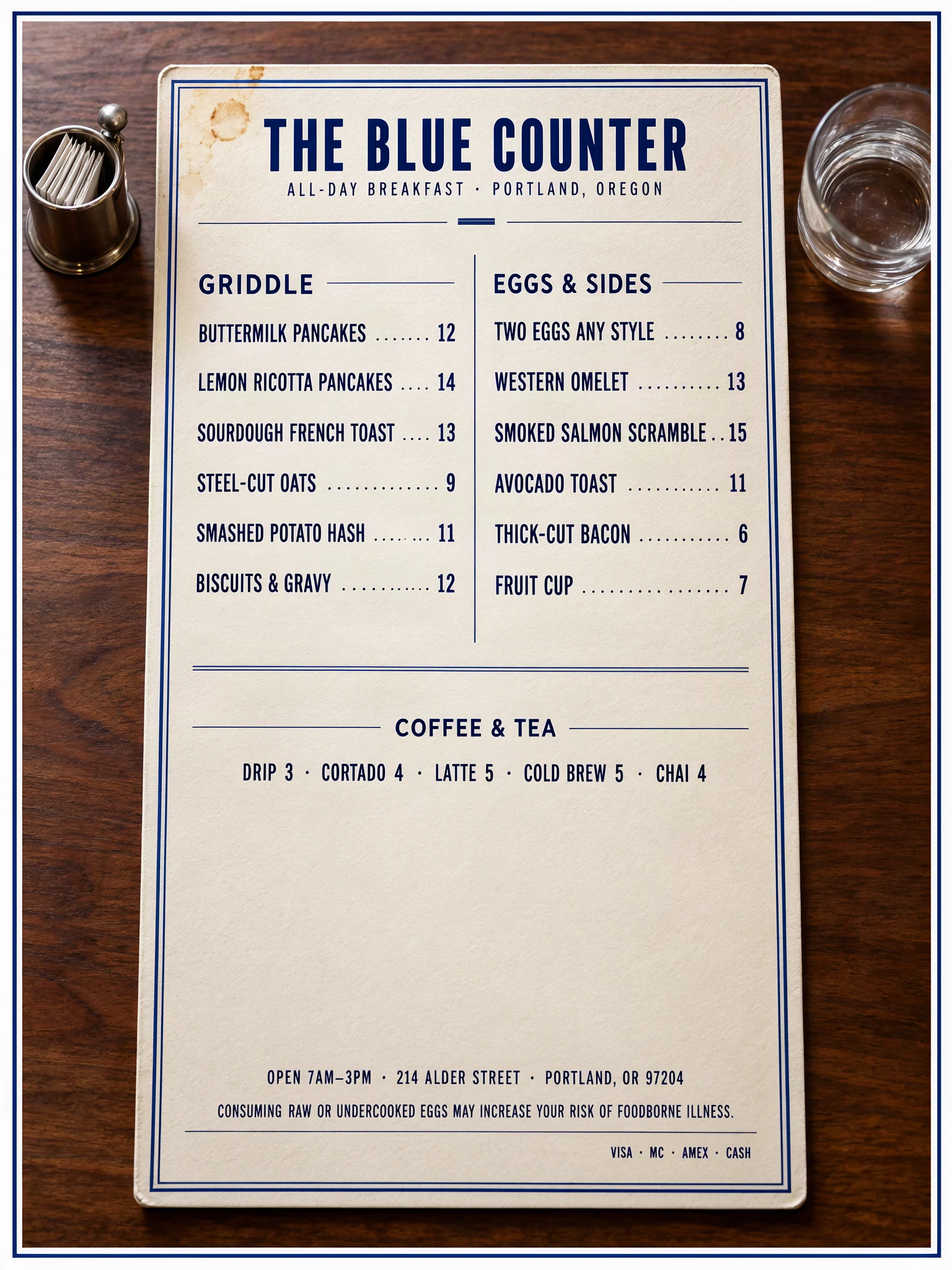 Menu · English05
The Blue Counter — diner menu
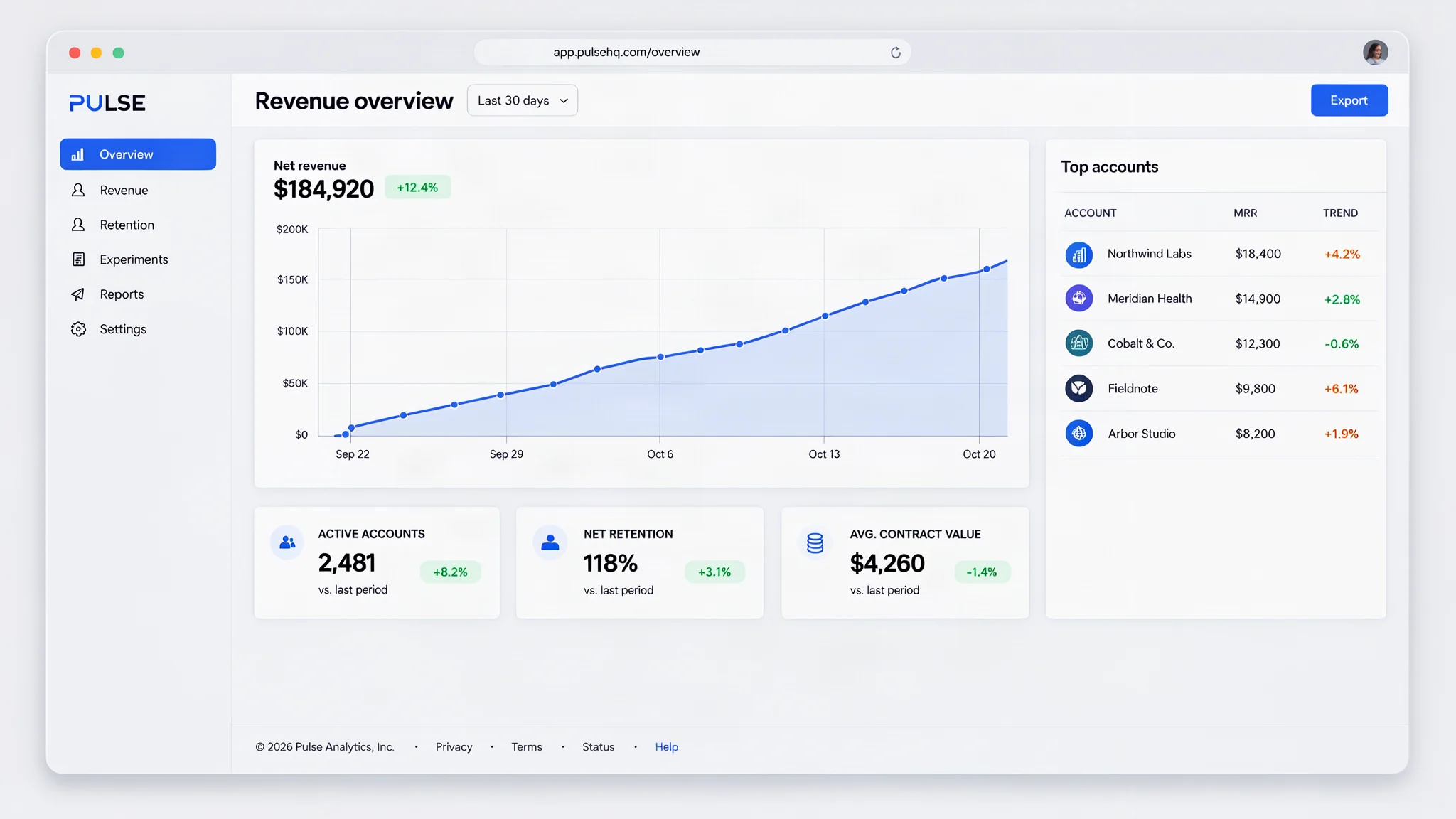 SaaS UI · English06
Pulse — SaaS dashboard UI
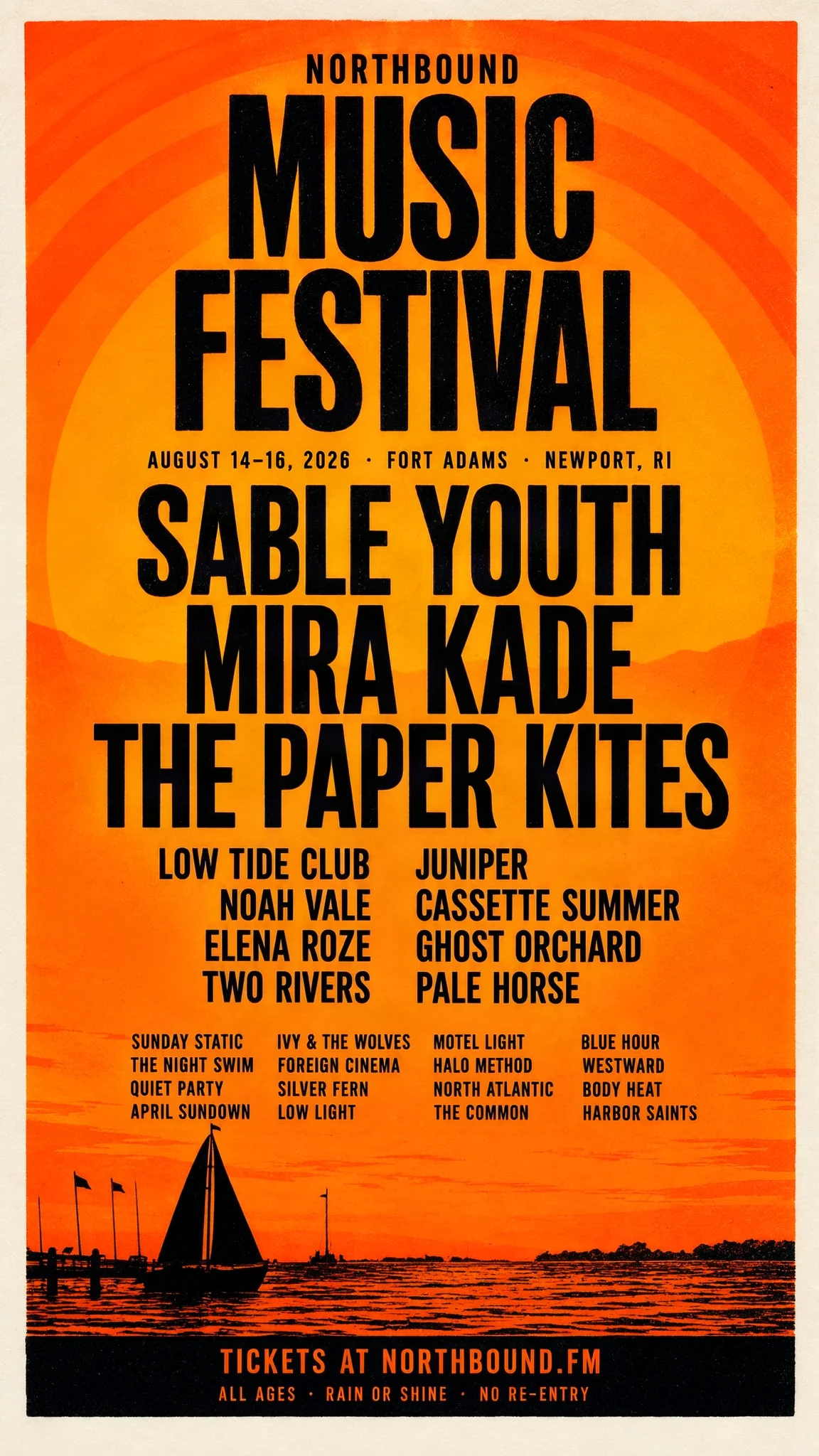 Festival poster · English07
Northbound — festival lineup
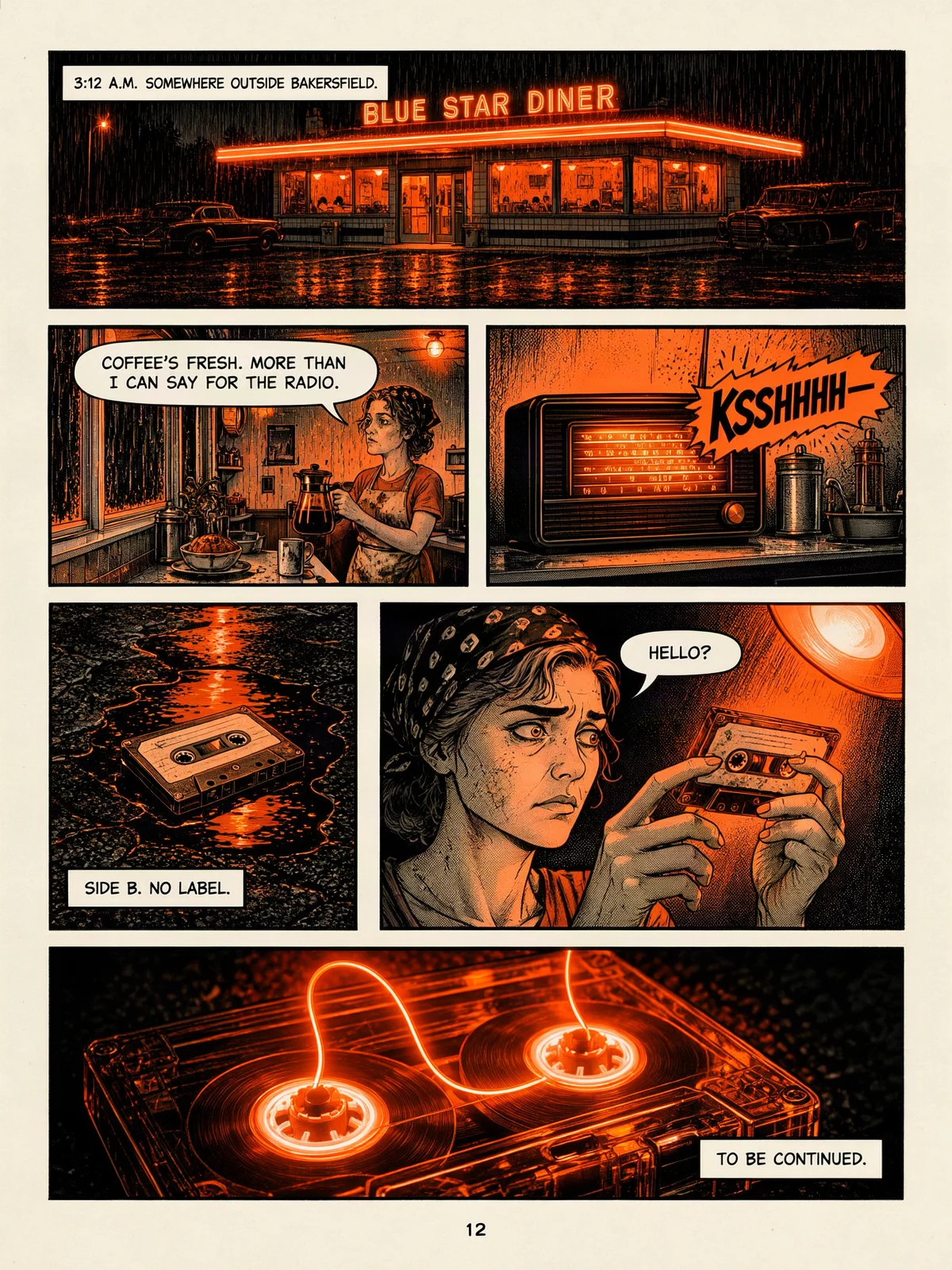 Comic page · English08
Night Shift — comic page
Images generated with MossImage (MOSS-Image-SFT).
Browse the prompt libraryWorkflow
Three steps to a readable image
From a plain prompt to a print-ready file in three steps. No install and no design software.
Describe the scene and quote the words
Write the setting, then paste the exact headline, menu or caption. Quotation marks and line breaks survive the trip to the model.
Pick a render tier and ratio
Draft checks spelling at 512 px. Final renders at about 1 megapixel. HD doubles that to about 2 megapixels, and Max goes up to 4 megapixels.
Render, download, iterate
Download the PNG. If a line breaks badly, tighten the wording in the prompt and render again.
Built for text
Why MossImage
A text-first image model, with the controls a real design workflow needs.
Text that actually renders
Long English and Chinese strings stay legible — headlines, menus and paragraphs, not gibberish.
See the model comparisonLayout you control
Pin text and objects to exact positions with a JSON layout, or start from a template.
How layout control worksRun it locally
Apache-2.0 weights and a ComfyUI workflow if you want the model on your own GPU.
Download the workflowPricing
Simple plans for every workflow
Monthly plans, annual plans that save 20%, and one-time credit packs that never expire. Every paid image is watermark-free.
All prices in USD · charged by Waffo
Subscription
Lite
50 credits / month · ~16 Final renders
- Watermark-free exports
- Commercial use license
- Credits refresh each billing cycle
Secure checkout · cancel anytime
Subscription
Pro
120 credits / month · ~40 Final renders
- Watermark-free exports
- Commercial use license
- Credits refresh each billing cycle
- Priority generation queue
Secure checkout · cancel anytime
Subscription
Studio
300 credits / month · ~100 Final renders
- Watermark-free exports
- Commercial use license
- Credits refresh each billing cycle
- Priority generation queue
Secure checkout · cancel anytime
FAQ
Questions, answered
What is MossImage?
MossImage is a hosted, browser-based image generator built on MOSS-Image, the open-source model released by OpenMOSS on 16 October 2026 under Apache-2.0. It is designed for images that carry real text: posters, menus, signs, packaging and UI mockups.
Is MossImage free?
Yes. Signed-in accounts get two free credits per day when they open the site. A Draft costs 1 credit, so that is two Draft renders. Free-account renders carry a MossImage watermark; any subscription or one-time credit pack removes it. No credit card is needed to try the free tier.
Do I need a subscription?
No. A subscription is optional. You can use the free daily credits, or buy a one-time credit pack that never expires. Subscriptions are for people who want a recurring credit refresh and watermark-free exports every month; one-time packs also remove the watermark.
How much does MossImage cost?
Monthly plans start at $9.99 for 50 credits, yearly plans start at $95.88 for 600 credits, and one-time packs start at $4.99 for 15 credits. The free tier gives 2 credits per day. All prices are in USD and billed by Waffo.
Do I need to install anything?
No. Type a prompt, choose a tier and ratio, and generate in the browser. If you want to run the model on your own machine, use the ComfyUI workflow or the official Apache-2.0 weights.