MossImage Generator: Create Text-Accurate Images Online
A hosted image generator built on MOSS-Image SFT. Describe the scene, quote the words you need, and render posters, menus and ads without installing a model or buying a GPU.
Create an image
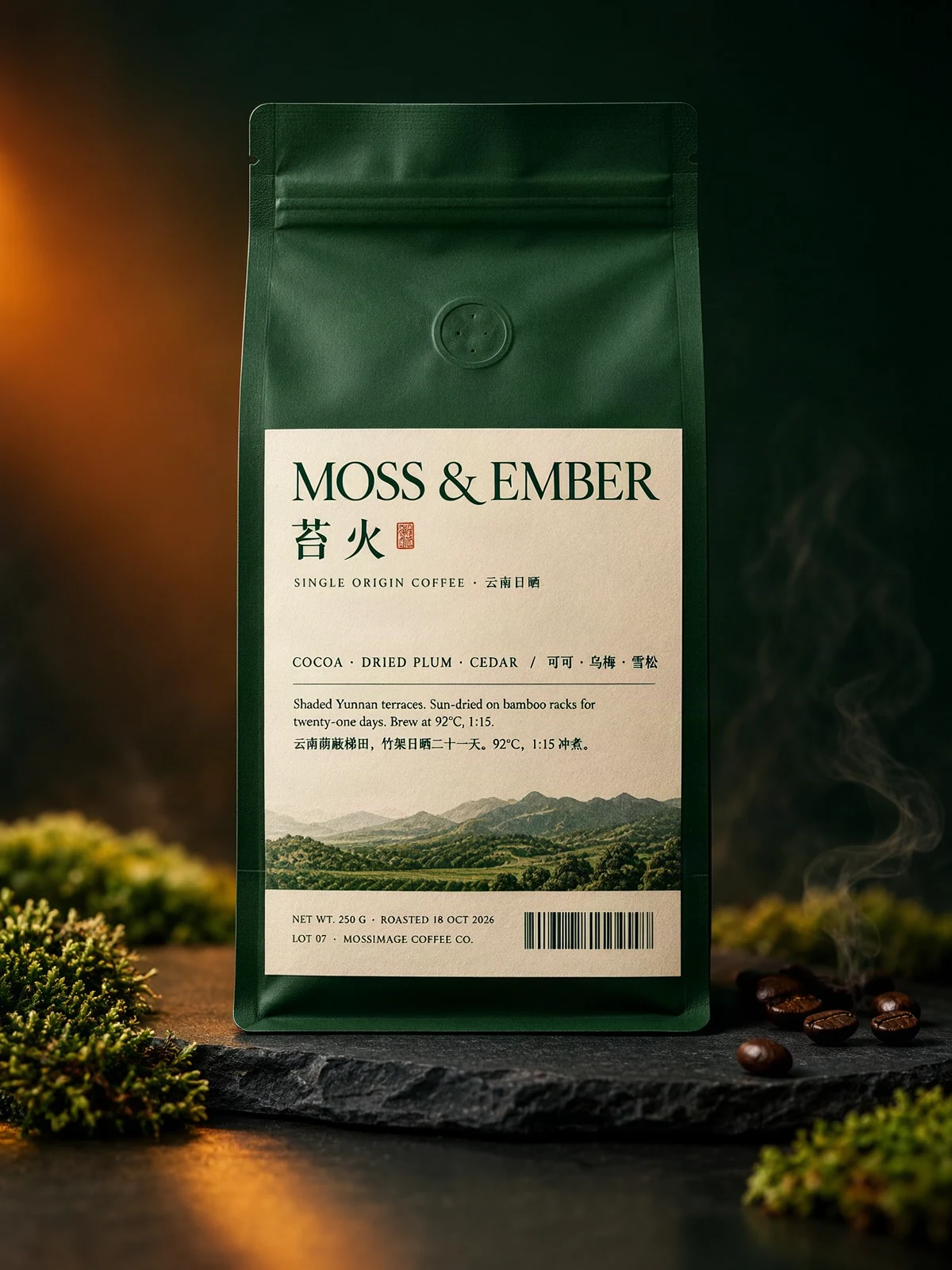 Sample output · Packaging
Your image will appear here
Pick a tier, set a ratio, and press Generate. Drafts render square at 512 px.
Runs MOSS-Image SFT. Weights are Apache-2.0.
Why this model exists
How it works
From prompt to print-ready image
No install, no GPU and no design software. The whole loop takes about a minute.
Describe the scene
Write the setting, lighting and composition in plain English. Keep the description short enough that the text stays the focus.
Quote the exact words
Put every headline, price, menu line or paragraph in quotes. Keep line breaks explicit and split long copy into short blocks.
Pick a tier and generate
Draft at 512 px to check spelling. Re-render at Final, HD or Max for delivery, then download the PNG.
Comparison
MossImage vs. generic image models
Generic models are excellent at mood and composition. They are much less reliable when the image has to carry a specific sentence, price or date.
| Capability | Generic text-to-image models | MossImage (MOSS-Image SFT) |
|---|---|---|
| Long text | Often garbles multi-line copy, especially past a few words. | Trained for text rendering; official examples include exam papers, chalkboards and dense Chinese signs. |
| Text placement | Prompt-only, with no reliable coordinates. | JSON layout text items with bounding boxes, so headings and body blocks can be placed separately. |
| Prompt length | Frequently truncated well below 4K tokens. | Official model supports prompts up to 4K tokens; MossImage accepts up to 16,384 characters. |
| English + Chinese | Mixed results; Chinese often degrades first. | Both languages are supported, with English recommended by the official guide because it has the most training data. |
| Model stack | Varies by provider. | 5B DiT + Qwen3.5-9B text encoder + FLUX.2 VAE. Base and SFT variants, Apache-2.0. |
| Install | Cloud or local, depending on the model. | Nothing to install here. A ComfyUI workflow is available if you want to run it locally. |
Model facts from the official MOSS-Image release and user guide. Generic-model behavior is a practical summary, not a benchmark.
Use cases
What to build first
These three jobs benefit most from rendering words as content instead of as texture.
Menus and price lists
Keep dish names, descriptions and prices in separate text items. Ask for a straight-on board, soft light and no glare.
MORNING MENU\nESPRESSO — 3.50\nFLAT WHITE — 4.50
Posters and event graphics
Pin the headline, date and venue to separate boxes. Long display type is where layout control helps most.
NIGHT SIGNALS\nSAT 14 NOV · 20:00\nWAREHOUSE 9 · RIVERSIDE
Product and social ads
One offer, one supporting line, one call to action. Keep the product on a clean surface and leave negative space for the copy.
20% OFF\nFIRST ORDER\nSHOP NOW
Want a starting point? The prompt library has 38 verified, showcase and template prompts with the exact copy and layout parameters.
Render tiers
Draft, Final, HD and Max
Draft is for wording and composition. Final is the default delivery size. HD is for print and large displays; Max gives you the largest canvas the model supports.
| Tier | Credits | Output size | Aspect ratios | Best for |
|---|---|---|---|---|
| Draft | 1 | 512 × 512 (0.25 MP) | 1:1 only | Checking spelling, line breaks and layout before spending more credits. |
| Final | 3 | ~1 MP (1024 × 1024 on 1:1) | 1:1, 4:3, 3:4, 16:9, 9:16 | Web, social and most client work. |
| HD | 7 | ~2 MP (1408 × 1408 on 1:1) | 1:1, 4:3, 3:4, 16:9, 9:16 | Print, menus and large-format posters. |
| Max | 12 | Up to 4 MP (2000 × 2000 on 1:1) | 1:1, 4:3, 3:4, 16:9, 9:16 | The largest canvas, for detailed posters and dense layouts. |
Dimensions are rounded to multiples of 16 and capped at 2048 px per side. The model works best around 1–2 megapixels; Max extrapolates up to 4 MP on square ratios and is capped at 3 MP on 4:3 and 2 MP on 16:9. The 2 free daily credits produce two Draft renders, and free-account renders carry a watermark.
Layout control
Place text and objects with JSON
A layout prompt replaces free-form description with a small JSON document. Coordinates use the canvas center as the origin, in [y_min, x_min, y_max, x_max] order.
Coordinate quick reference
{
  "summary": {
    "meta": ["poster"],
    "canvas": "single",
    "caption": "A minimalist travel poster with a cream background, a blue mountain illustration, and the title EXPLORE at the top."
  },
  "items": [
    {
      "label": "text",
      "caption": "Large dark-blue uppercase title centered at the top.",
      "text": "EXPLORE",
      "bbox": [-416, -384, -288, 384]
    },
    {
      "label": "object",
      "caption": "A flat blue mountain illustration in the lower center.",
      "bbox": [-192, -288, 384, 288]
    }
  ],
  "bbox_coord_space": "abs_centralized",
  "bbox_format": "yxyx"
}
Example from the official MOSS-Image user guide. MossImage also accepts a plain prompt when you do not need exact coordinates.
Keep going
Related guides and downloads
FAQ
MossImage questions
Short answers about the model, the free tier and commercial use.
Is MossImage free to use?
Yes. Every signed-in account receives two free credits per day without buying credits. There is no signup credit bonus. Free-credit renders carry a MossImage watermark; paid credits unlock Final, HD and Max renders and remove it.
Do I need a subscription?
No. Subscriptions are optional. You can use the free daily credits, buy a one-time credit pack that never expires, or subscribe for a recurring refresh and watermark-free exports. One-time packs also remove the watermark.
How much does MossImage cost?
Monthly plans start at $9.99 for 50 credits, yearly plans start at $95.88 for 600 credits, and one-time packs start at $4.99 for 15 credits. The free tier gives 2 credits per day. All prices are in USD and billed by Waffo.
What is MOSS-Image?
MOSS-Image is an open-source image model released on 16 October 2026 under Apache-2.0. It ships in Base and SFT variants and combines a 5B diffusion transformer with a Qwen3.5-9B text encoder and a FLUX.2 VAE. MossImage runs the SFT variant for cleaner text grouping and layout.
Which languages render best?
English has the most training data and is the safest default. Chinese is also supported and is used in many of the official examples. For either language, put the exact words in quotes or in a JSON layout text item, and keep line breaks explicit.
Do I need a GPU or ComfyUI to use MossImage?
No. MossImage runs the model for you in the browser. If you want to run MOSS-Image locally, download our ComfyUI workflow or use the official weights; a local install needs the model files and enough memory for a large diffusion model.
Can I use the images commercially?
Yes, subject to the Terms of Service and to the rights you hold in your prompt and reference material. The MOSS-Image model is Apache-2.0 licensed. You are responsible for checking that your prompt, any depicted brands and the final image are lawful for your use.
What do Draft, Final, HD and Max mean?
They are render tiers. Draft costs 1 credit and produces a 512 px square preview. Final costs 3 credits and renders at about 1 megapixel in five aspect ratios. HD costs 7 credits and renders at about 2 megapixels. Max costs 12 credits and renders up to 4 megapixels, capped at 2048 px per side on wide ratios. Use Draft to check wording and layout, then re-render the winner at Final, HD or Max.
Start
Render your first text-accurate image
No install, no GPU and no signup credit purchase. Two free credits per day are included.